How to Request New AI Tools and Software
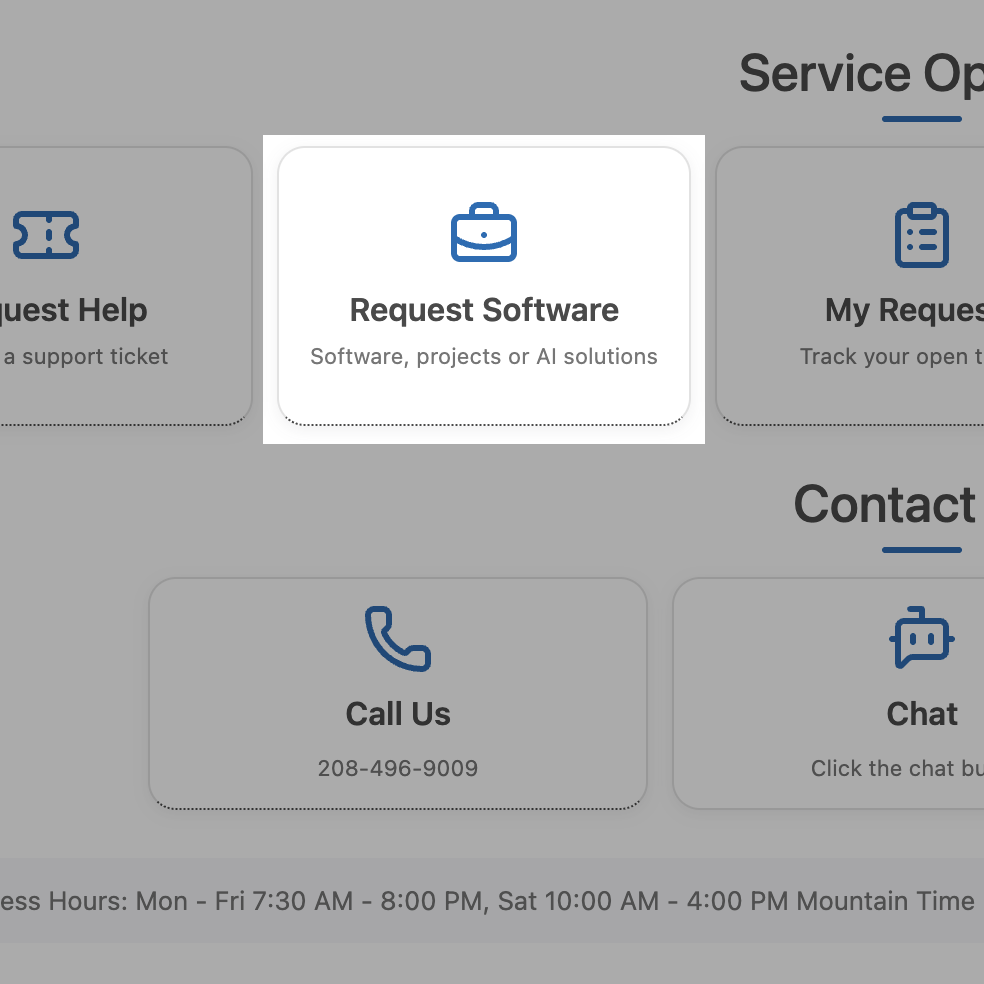
In order to simplify the process of requesting new AI tools and software, we've streamlined the request process into a singular "Front Door", available on the IT Help Center homepage. When visiting the homepage simply click the Request Software button and complete the form to request IT projects, new software, or AI solutions. Our front door is available to all BYU-Idaho employees.
Why This Form Exists
Before this form, IT requests arrived through emails, hallway conversations, and a form that was hard to find in Workday. Requests sometimes fell through the cracks or sat in limbo without a clear owner.
This new form solves that by creating a single, consistent intake process. Here is what it does:
- Routes your request automatically. Based on the area you select, the form assigns your request to the correct IT Portfolio Manager. No guesswork on your part.
- Feeds into IT Project Council. Every request is reviewed in the weekly IT Project Council meeting, where leadership evaluates and prioritizes incoming work.
- Ties requests to university priorities. This ensures that every request is weighed fairly against the same strategic criteria, so nothing gets lost and nothing jumps the line without justification.
What Happens After You Submit
Once you hit submit, here is what happens behind the scenes:
- You submit the form. Your request is created as a ticket in the IT Help Center system.
- Automation kicks in. The system evaluates which IT Portfolio you belong to and assigns the ticket to the corresponding Portfolio Manager.
- Your request enters the queue. The completed ticket is routed to the Request Queue on the IT Portfolio Management dashboard.
- IT Project Council reviews it. The following Monday morning, your request is discussed in the weekly IT Project Council meeting.
- Your Portfolio Manager follows up. After the council meeting, your assigned Portfolio Manager reaches out to you with next steps.